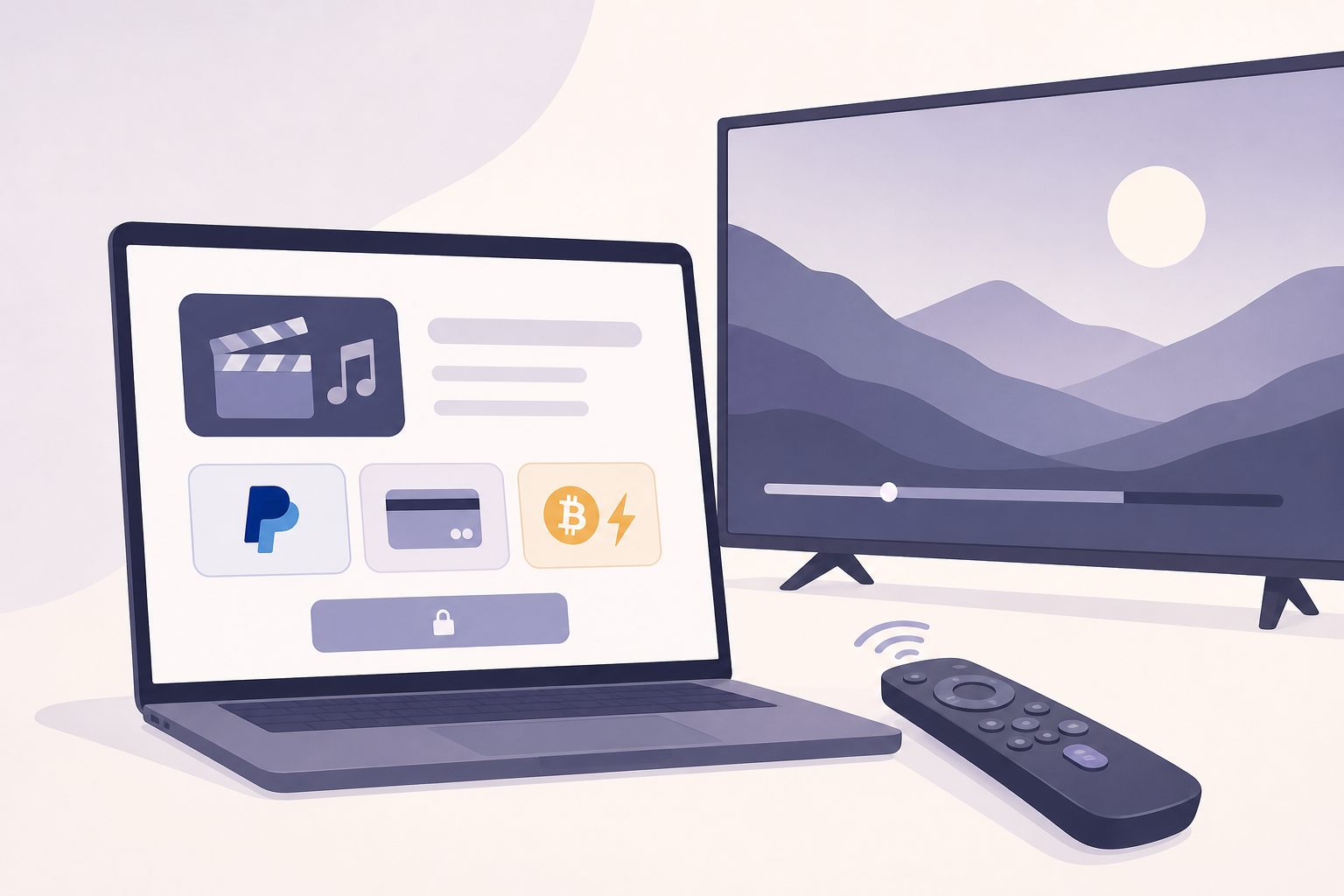
Independent creators need payment systems that are simple, affordable, and reliable. This guide gives a practical roadmap for filmmakers, music video directors, and festival organizers who want to turn views into cash without blowing budgets on enterprise tech.
What to aim for
Keep three priorities front and center: low friction for the customer, predictable fees for the creator, and a clean entitlement system so purchases unlock playback across web and devices. That trio beats fancy features when budgets are tight.
Pick your payment strategy
- Direct sales and rentals: one time payments for a video or festival pass.
- Tips and donations: voluntary payments for individual pieces or channels.
- Subscriptions or memberships: recurring access to a catalog or channel.
- Micropayments: per-minute or per-song tiny payments using Bitcoin Lightning or similar.
Payment option overview and fee expectations
- Credit cards (Stripe or similar): Fast, universal acceptance. Typical card processing fee range is roughly two to three percent plus a small fixed cent fee per transaction. Hosted checkouts cut PCI scope and speed integration.
- PayPal: Broad familiarity and buyer protection. Can be used for one-off purchases, buttons, and payouts. Fees are comparable to cards for sales; payouts and mass-pay features have different structures.
- Pay Per View (PPV): Uses your payment provider plus an entitlement layer. Fees combine processor costs plus any platform fee the streaming host charges. Good for rentals and festival screenings.
- Bitcoin Lightning: Excellent for micropayments and tips. Fees are typically tiny compared with card fees. Requires either running a node or using a custodial provider to manage receivable sats.
Step by step: set up PayPal for payments and payouts
- Create a PayPal Business account and complete identity verification.
- Choose your flow: PayPal Checkout for consumer payments, or PayPal Payouts for sending money to contributors and artists.
- Set up webhooks and IPN to receive payment notifications and update your entitlement systems immediately after a sale.
- For hosted checkout: create Buy Now or Subscribe buttons, or use PayPal Checkout smart buttons for a mobile-first experience.
- For payouts: request API access for Payouts, gather payee emails, and test in sandbox mode to verify delivery and fees.
- Test refund and dispute flows so you can respond to chargebacks or buyer questions quickly.
Step by step: accept credit cards with minimal fuss
- Create an account with a payments provider that offers hosted Checkout or Payment Links to avoid PCI complexity.
- Use prebuilt checkout pages or embed a secure hosted widget like Stripe Checkout or Elements for branded flows.
- Configure currency, tax rules, and refund policies in the dashboard before going live.
- Connect bank account payouts and complete KYC requirements so you can receive funds on schedule.
- Wire the payments provider into your entitlement server: after confirmation, issue a time‑limited token for the player to consume.
- Document a simple refunds process and automated receipts. Clear communication reduces disputes.
Step by step: implement Pay Per View for streaming
- Decide scope: single-title rental, festival pass, or live paywall.
- Choose a video host or platform that supports entitlements and secure playback. For connected TV and FAST channels you will need a server-side entitlement service compatible with the platform.
- Set pricing and rental windows. Keep options simple: buy, rent 48 hours, or festival pass.
- Integrate a payments provider for checkout and wire the post-payment webhook to your entitlement API.
- On web and mobile use tokenized URLs for playback. For CTV, use a short-lived entitlement token pushed to the device or account-based login to validate playback.
- Test edge cases: expired tokens, network failures, refunds, concurrent streams.
Step by step: add Bitcoin Lightning for micropayments and tips
- Decide whether to run your own Lightning node or use a provider. Running a node gives control. Providers reduce setup complexity.
- Pick an integration pattern: single invoice per tip, meta-invoice for streaming meters, or LNURL for user-initiated payouts.
- Expose a lightweight endpoint that issues invoices and verifies payment. After settlement, map the invoice to the user session and unlock content.
- For continuous streaming meters, aggregate micro-invoices server-side and grant time windows for playback instead of checking each second.
- Display a fallback for viewers who cannot use Lightning: offer card checkout or PayPal so you do not lose sales.
Connected TV and FAST channel considerations
- Remote-first UX: require minimal typing. Offer account linking using code entry via phone or a one-time URL users visit on a phone or laptop.
- Platform billing rules: some ecosystems have native in-app purchasing that must be used for purchases made inside that platform. Check platform terms before routing purchases.
- Entitlement architecture: centralize purchases on a server so devices only request a short-lived token. This avoids storing credentials on CTV devices.
- Latency and offline fallback: if entitlement checks fail, allow a cached grace period or show a friendly error with steps to resolve on the web or mobile device.
- Testing checklist: test on actual hardware (Roku, Apple TV, Fire TV), test account linking, token expiry, and playback resumption after purchase.
Fee and user experience tradeoffs
- Lowest friction: hosted checkout pages and smart buttons. Less development, faster sales.
- Lowest fees: Bitcoin Lightning for tiny tips. For larger transactions cards remain practical despite higher percentage fees.
- Best for CTV: account linking with server-side entitlements. Platform billing may be required depending on distribution channel.
Operational checklist before launch
- Complete KYC and bank verification with payment providers.
- Implement webhooks and a secure entitlement API to link purchases to playback.
- Build and test refund and dispute handling procedures.
- Verify tax collection settings for your regions. Consult an accountant for festival revenues and cross-border sales.
- Run device tests across web, iOS, Android, and CTV hardware you plan to support.
- Measure conversions and iterate on pricing and UX after the first 100 transactions.
Troubleshooting common problems
- Payment appears complete but playback not unlocked: confirm webhook delivery, check signature verification, and validate token issuance timing.
- High chargebacks: improve metadata in receipts, provide clear descriptions, and make refunds simple to avoid disputes escalating.
- Users stuck on CTV login codes: show troubleshooting steps on screen and provide a short link or QR code for mobile pairing.
- Micropayments failing for some users: provide clear fallback payment options and log invoice failures for debugging.
Realistic revenue strategy
Combine revenue paths instead of betting on one. A good stack for indie creators is ad supported FAST channels plus targeted PPV for premieres and festival passes, with tips via Lightning and PayPal for superfans. This mix reduces dependence on any single payment flow and boosts discoverability.
As a platform that has supported indie artists since 2001, VersusMedia has seen creators increase earnings by layering simple payments into their release strategy rather than building bespoke payment systems from scratch. Use standard hosted checkouts where possible, reserve custom integrations for unique needs like micropayments or festival entitlements, and iterate based on real customer behavior.
FAQ
What is the cheapest way to accept small tips?
Bitcoin Lightning generally offers the lowest per-transaction cost for micropayments. If Lightning is not feasible for your audience, offer bundled tips or low-cost credit card tips via hosted checkout to reduce per-transaction overhead.
How do I support purchases on my Roku or Apple TV channel?
Use server-side entitlements and account linking. Where platform rules require native in-app purchases, evaluate using the platform billing API. Otherwise route purchases to a web-hosted checkout and let users link devices to their accounts.
Do I need to worry about taxes and KYC?
Yes. Payment providers require KYC and will report payouts and fees. Set up tax collection rules for the territories you sell into and consult a tax professional for festival income and cross-border sales.
Should I run my own Lightning node or use a provider?
Running a node gives control and reduces custodial risk, but it adds complexity. Providers speed deployment. If micropayments are core to your model and you have technical resources, consider running a node; otherwise start with a reputable provider and move to self-hosting later.
Follow the steps above, pick a primary payment flow to launch with, and iterate. Keep the checkout clean, instrument every sale, and prioritize playback entitlement reliability over clever features. If you want distribution and monetization help that includes festival streaming and experimental payment methods such as Bitcoin Lightning and PayPal payouts, look for partners who understand independent creators and connected TV workflows.