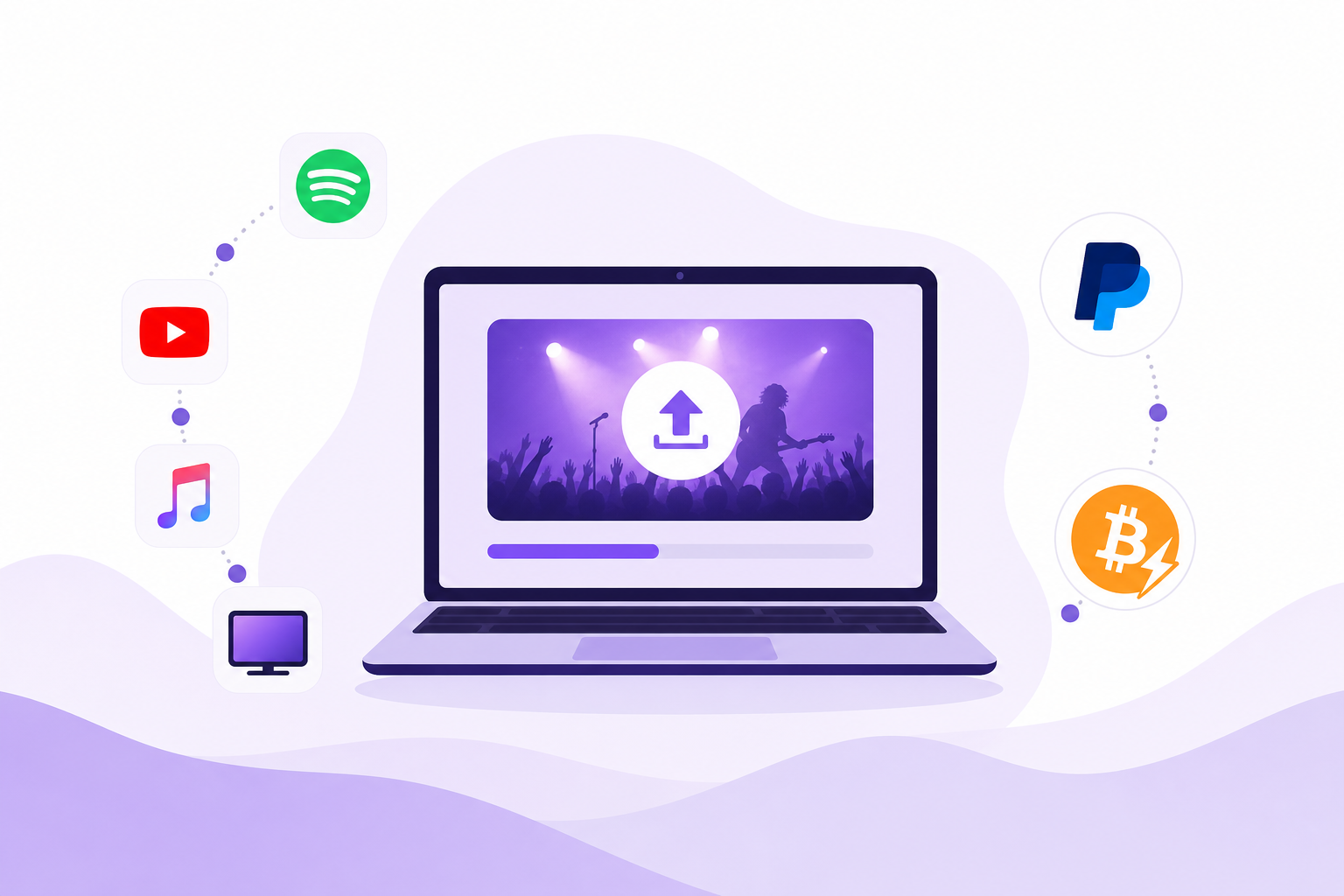
Why this matters for indie creators
Music videos live in more places than ever: audio-first services, video platforms, FAST channels, connected TV apps, and direct paywalls. Each outlet has different rules for file formats, rights, metadata, and payouts. This guide gives a practical, no-fluff playbook that connects the dots so you can get a music video streamed, seen, and paid for without a big label budget.
Quick roadmap - the five moves every creator must make
- Lock the rights - master and publishing cleared for the video and the soundtrack.
- Prepare platform-ready assets - video files, audio stems, captions, artwork, and metadata.
- Choose distribution routes - direct-to-video platforms, audio/video aggregators, FAST/CTV channels, and direct-pay options.
- Monetize intelligently - ad revenue, pay-per-view, tips, and direct payouts via PayPal or Bitcoin Lightning.
- Execute a 90-day promotion plan focused on low-cost, high-impact activity.
1. Rights checklist - nothing streams without this
- Master rights - confirm you or your label owns the recorded master or have a license covering streaming and video distribution.
- Publishing rights - ensure songwriter splits are documented and permissions cleared for sync if you used samples.
- Talent and location releases - signed releases for performers, extras, and locations used in the video.
- Visual assets - any third-party footage, fonts, or artwork must be licensed for distribution.
2. Prepare platform-ready assets
Different outlets accept different specs. Prepare a primary master and a trimmed delivery file for each target.
- Video - 1920x1080 H.264 or H.265 MP4 is the baseline for web, YouTube, and CTV; 4K masters help future-proof but make sure you can deliver a 1080p option.
- Audio - 48 kHz, 16-24 bit stereo track mixed for streaming loudness; keep stems handy if requested for remixes or promos.
- Captions - closed captions or SRT files increase reach and accessibility; many CTV platforms require them.
- Artwork - square and 16:9 formats, high-resolution stills for thumbnail and channel art.
- Metadata - track title, artist name, credits, ISRC for the song, UPC if you have it, release date, territory flags, and explicit content flag.
3. Where to distribute - mapping the platforms
Think in layers. Each layer increases reach and revenue opportunities.
Core video platforms
- YouTube - primary discovery hub for music videos. Use premieres, timestamps, and Content ID if available.
- Vimeo - good for higher-quality embeds, pay-per-view, and pro presentations. Vimeo OTT can host direct sales.
Audio-first services that take music videos
- Some streaming services accept music video uploads through distributors. Check whether your distributor offers video placement to services like Apple and TIDAL.
FAST and connected TV
- FAST channels and CTV apps are where long-form discovery happens on living-room screens. You can place music video blocks on FAST channels, or submit your videos to on-demand libraries accessible via Roku, Apple TV, Android TV, and smart TVs.
- FAST distribution often runs through platform partners or specialists that aggregate content for multiple TV platforms.
Direct-to-fan and festival streaming
- Pay-per-view and rental models via Vimeo OTT or bespoke portals let you control price and audience data.
- Festival streaming packages expand reach to festival audiences and programmers; look for packages that include both festival and CTV exposure.
4. Choosing a distributor or aggregator
Pick a partner based on the destinations you need, payout options, and creator control.
- Audio distributors handle streaming stores and often deliver to YouTube Music and audio storefronts. Confirm whether they support music video delivery if you need Apple Music or TIDAL placement.
- Video aggregators and CTV specialists handle FAST and connected-TV channels. Ask about platform delivery, caption requirements, and ad-insertion options.
- Check payout methods and frequency. Creators need transparency on reporting, pay-per-view splits, and whether payouts can be made via PayPal or Bitcoin Lightning.
5. Monetization options and practical steps
- Ad-supported streaming - available on YouTube, FAST channels, and some CTV apps. You need platform eligibility and a way to serve ads or join an ad network.
- YouTube Partner Program - requires channel eligibility and Content ID setup to monetize and track reuse.
- Pay-per-view and rentals - use OTT platforms or your own site with an embeddable player that supports payments.
- Direct payments - add PayPal buttons, Stripe links, or Bitcoin Lightning invoices for tips, purchases, or exclusive access. Lightning is useful for microtransactions and quick payouts but requires a Lightning-enabled processor or wallet integration.
- Sync and licensing - actively pitch your video for placements in shows, ads, and branded channels to generate licensing revenue.
6. Metadata and submission checklist
- Title and alternate titles
- Artist name, featuring credits, and official artist pages links
- ISRC for the recording and UPC for the release if available
- Songwriter and publisher splits for sync and mechanicals
- Release date, territory restrictions, and explicit flag
- Video description with credits, links to merch, streaming audio links, and purchase/tip options
- Closed captions/SRT, thumbnail image, and delivery notes for each platform
90-day promotion plan for low budgets
Keep it simple. The goal is repeatable actions that build views and legitimate engagement.
Pre-launch - day -21 to -1
- Finalize assets and metadata. Upload to chosen platforms with a scheduled release.
- Create 3-4 short clips (15-60 seconds) optimized for Reels, Shorts, and TikTok from cut points in the video.
- Pitch the video to niche blogs, college radio, and genre-specific playlists. Personalize the pitch.
- Set up direct-pay tools - PayPal link, tip jar, or Lightning invoice - and add to your landing page.
Launch week - day 0 to 7
- Host a YouTube premiere or timed drop and engage live in the chat.
- Post clips across platforms linking back to the full video and your tip/pay links.
- Activate a small social ad spend targeted by interest and location if budget allows. Keep it to one clear CTA: watch, tip, or follow.
- Email your list with a direct link to the video and an incentive: exclusive behind-the-scenes clip or a discount code for merch.
Weeks 2 to 4 - momentum building
- Release a lyric or vertical edit to catch algorithm flows.
- Submit to playlists and video channels, follow up with curators you pitched before launch.
- Share user-generated content and encourage fans to make stitched videos or dance clips.
- Analyze early metrics and optimize metadata and thumbnails.
Months 2 to 3 - scale and diversify
- Pitch for FAST channel blocks and CTV on-demand inclusion. CTV often finds new audiences long after the initial social spike.
- Approach film festivals and micro-festivals that accept music videos or short-form content.
- Consider bundle offers: a paywall for an extended cut, commentary track, or live session as a paid add-on.
- Plan a follow-up release or remix timed to keep attention on the original video.
Reporting and revenue management
Centralize reporting where you can. Platforms have different reporting cadences, revenue shares, and deductions. Maintain a simple spreadsheet logging impressions, playtime, and revenue by platform. Reconcile platform reports against your payout receipts from PayPal, Lightning processors, or distributor dashboards.
Founder's perspective: what works long-term
Running an indie streaming platform since the early 2000s taught a few blunt lessons: control your rights, own your landing page, and treat discoverability as ongoing work, not a single launch event. FAST and CTV channels turn short-term social wins into sustained viewing. Flexible payout options like PayPal and Bitcoin Lightning make it practical for creators to get paid quickly and directly. Choose partners who are transparent about delivery, reporting, and fees.
If you want to reach connected TVs and FAST channels with your music video while keeping flexible payout choices, look for aggregation partners who specialize in indie-first distribution. Those partners can place your video into on-demand libraries and FAST blocks, handle captions and CTV delivery specifics, and support nontraditional payments so earnings get to creators faster.
FAQ
Which music streaming services accept music videos?
YouTube accepts music videos directly. Other services accept videos through distributors or aggregators. FAST and CTV platforms take video files through channel partners. Always confirm with your distributor which destinations they deliver to.
How can I get paid for my music video?
Monetize via platform ads, YouTube Partner earnings, pay-per-view rentals, sync licensing, or direct payments. Use PayPal and Lightning for direct fan payments and distributors or ad networks for streaming revenue.
What file specs are required for CTV and FAST?
Provide a high-quality master (4K or 1080p) and a 1080p H.264 MP4 delivery file, 48 kHz stereo audio, and SRT captions. Check each platform for exact bitrates and container requirements.
How much should I budget for promotion?
Low budgets can still win. Allocate small ad spends for launch week, invest time in pitching and repurposing clips, and reserve funds for festival or aggregator fees. The priority is consistent visibility, not a single large spend.
How long before I see revenue?
Timelines vary. Direct payments arrive immediately after transactions. Platform payouts and ad revenue follow the platform's payment cycle and reporting delay. Track every source to estimate your cash flow.
Getting an indie music video onto music streaming services, FAST channels, and CTV is a mix of legal prep, smart asset delivery, targeted distribution choices, and steady promotion. Do the rights work first, pick partners who understand indie workflows, and run a tight 90-day plan. If you want a route to CTV or FAST with flexible payouts and creator-focused distribution, there are platforms built to support indie filmmakers and music video creators without the label overhead.