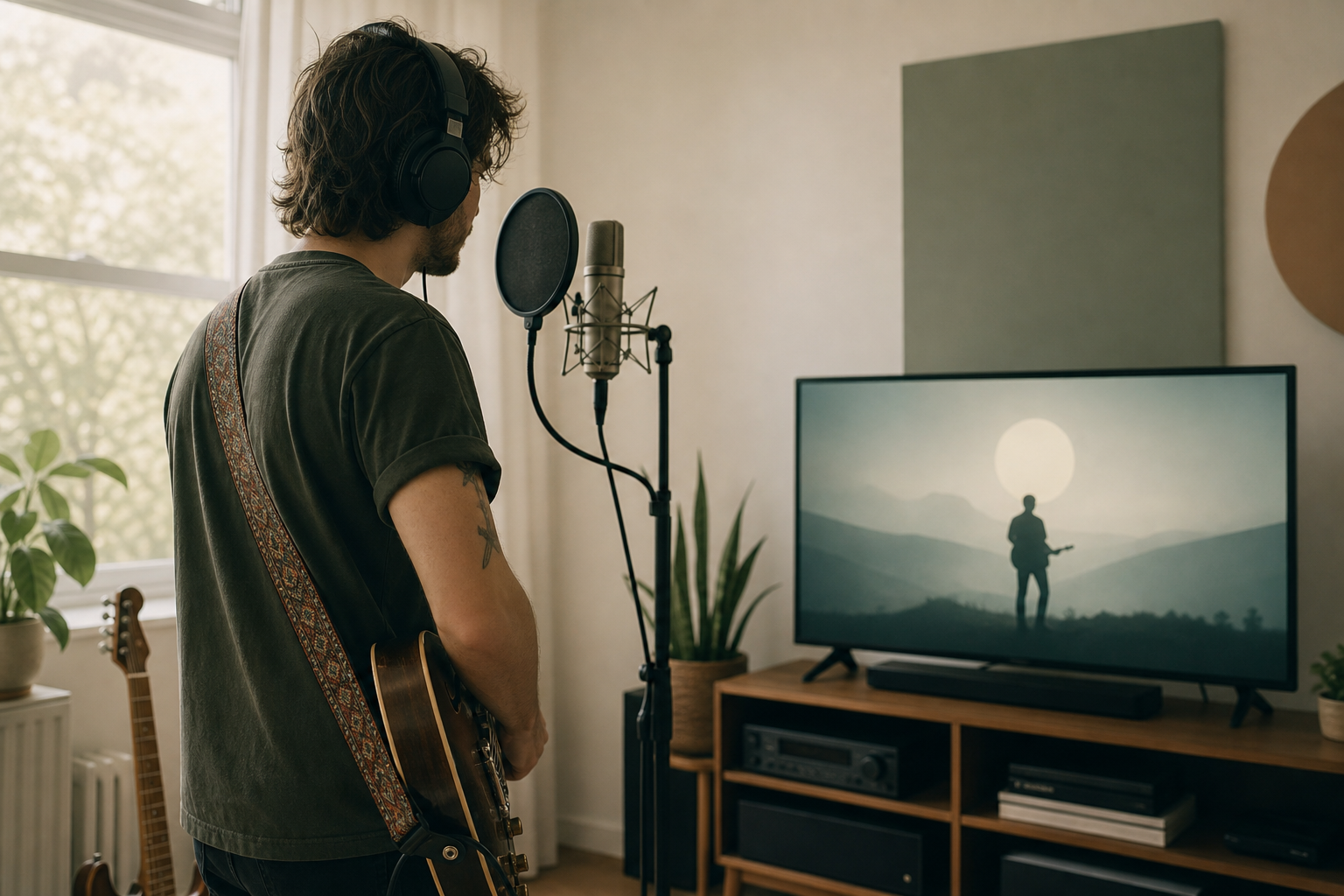
Apple Music is a major discovery platform and a necessary node in any indie musician's release map. This guide lays out a founder-aware, practical workflow: getting on Apple Music, optimizing metadata, using Apple Music for Artists, pitching playlists the right way, and turning streams into real income while expanding video exposure on connected TV and FAST channels.
Why Apple Music matters for independent creators
Apple Music is both an audience and a credential. Playlisting or visibility there helps listeners find you and validates your release for press, bookers, and festival programmers. For indies working with tight budgets, the platform is less about overnight viral hits and more about stacking consistent exposure across stores, playlists, and video outlets.
Step 1. Prepare your release like a pro
- Final masters. Deliver a properly mastered WAV or high resolution file. Fix fades and pacing now. Releasing with unfinished audio creates friction later.
- Assets ready. Cover art at 3000 x 3000 pixels, square, no text that blocks key design elements. Have alternate artwork for single, EP, album.
- Metadata checklist: consistent artist name, featured credits, composer and publisher info, explicit flag, genre, language, ISRC codes for tracks, UPC for the release.
- Credits and lyrics. Upload them if possible. Credits improve searchability and professional perception. Lyrics help algorithmic features and user engagement.
- Set a realistic release date. Give distributors at least 2 to 4 weeks lead time. For editorial consideration allow more time, ideally 6 weeks.
Step 2. Choose the right distributor
Distribution choices matter less for playback quality and more for speed, control, and promotional tools. Options range from flat-fee aggregators to full-service label partners. Pick what matches your budget and goals.
- Low-cost aggregators: fast, simple, direct. Good for singles and frequent releases.
- Service partners: cost more but offer pitching tools, playlist outreach, and additional metadata support.
- Key distributor questions: How do they submit editorial pitches? What reporting do they provide and how quickly do they pay out? Can they deliver music video assets if needed?
Step 3. Optimize metadata for discoverability
Metadata is search and playlist currency. Small mistakes block discovery.
- Artist name consistency. Use the exact same punctuation and spelling across platforms. Avoid unnecessary special characters that break links.
- Featured artists. Use the exact credit format you want listeners to see. Featured tags influence search and playlisting.
- ISRC and UPC. Make sure codes are correct and assigned before upload. Missing or duplicate codes can delay delivery.
- Genres and moods. Choose accurately. Mislabeling limits reach into curated playlists and algorithmic recommendations.
- Lyrics and credits. Upload full lyrics and detailed credits when possible to increase engagement and professional visibility.
Step 4. Use Apple Music for Artists effectively
Claim your profile, verify identity, and learn which metrics matter for you. Apple Music for Artists provides play trends, listener locations, and playlist performance.
- Claim your profile. Do this before release so your artist image, bio, and links are accurate when listeners arrive.
- Watch geography. Focus promotions in cities already showing activity. Tour routing and targeted ads should follow real listener clusters.
- Profile optimization. Upload high quality artist photos and a concise bio. Link to your merch or donation pages in your artist profile where supported.
- Use data to iterate. Track daily trends after release. If a playlist is driving listeners, double down on that communication channel.
Step 5. Pitch playlists and playlists you can control
There are two playlist paths: editorial and self-controlled. Editorial playlists are curated by platform editors. Self-controlled includes your own playlists, user-generated playlists, and influencer lists. Both matter.
- Editorial pitching: Use your distributor's pitch form. Be concise: song context, comparable artists, target markets, and a tangible story. Submit early and supply high quality assets and a clean stem.
- Algorithmic and listener playlists: Encourage saves, adds, and shares in the first two weeks. Engagement signals feed algorithmic placements.
- Owned playlists: Curate playlists that include your track plus related artists. Promote them to your fans and peers for reciprocal placements.
- Local tastemakers: Reach out to college radio DJs, local playlist curators, and small blogs with geo-specific pitches tied to data from your Apple Music for Artists dashboard.
Step 6. Convert streams into real earnings
Streaming royalties are one revenue stream. Treat them as part of a broader monetization strategy.
- Understand payouts. Per-stream rates vary by territory and account type. Do not plan a budget around a single per-stream figure. Use streaming as reach that feeds other income.
- Direct fan revenue. Use options like PayPal or Bitcoin Lightning for tips, downloads, and merch sales. Make payment paths visible on your site and artist profiles where allowed.
- Sync and licensing. Clearances for sync placements can pay more than routine streaming. Keep stems and instrumentals ready for licensing opportunities.
- Performance and publishing. Register with a performance rights organization and a mechanical rights agency to collect all available income streams.
Step 7. Pair audio releases with video and connected TV exposure
Audio and video move different audiences. Releasing a music video alongside your Apple Music audio can extend discovery into living rooms via connected TV and FAST channels.
- Make a short vertical or horizontal video suitable for social, YouTube, and TV. Trim versions for different platforms.
- Distribute video to multiple endpoints. YouTube gets search traffic. Connected TV and FAST channels reach passive viewers who discover music while browsing channels.
- Festival and FAST streaming. Festival packages and FAST channel windows expose your visuals to non-audio-first viewers. That attention often circles back to streaming platforms.
- Alternative payouts for video. Video plays on ad-supported channels provide additional revenue pools and discovery routes not tied to per-stream audio royalties.
Practical 8-week release timeline
- Week 8: Finalize masters, artwork, credits, and choose distributor.
- Week 6: Submit to distributor and open Apple Music for Artists, claim profile.
- Week 4: Send editorial pitches through distributor. Prepare video assets and press kit.
- Week 2: Announce pre-save or pre-add links. Coordinate short-form video teasers and influencer outreach.
- Release week: Push for playlist adds, social proof, and localized ads. Share direct payment options for supporters.
- Post-release weeks 1 to 4: Monitor analytics, follow up with curators, release a video or live session to sustain momentum.
Quick tools and low-cost services
- Distributors: Compare fees, payout timing, and editorial submission tools before committing.
- Pre-save and campaign links: Use services that integrate with Apple Music and show click-through metrics.
- Payments: Offer PayPal and a Bitcoin Lightning link for fans who prefer alternative payments.
- Analytics: Apple Music for Artists plus a third-party dashboard gives actionable insights without overcomplication.
Putting it together: a founder-aware checklist
- Consistent artist name and correct ISRC and UPC codes.
- Clean masters and 3000 x 3000 artwork.
- Distributor chosen for your needs and timeline.
- Apple Music for Artists claimed and profile optimized.
- Editorial pitch submitted and owned playlists ready.
- Video assets prepared for YouTube and connected TV distribution.
- Direct payment links (PayPal, Bitcoin Lightning) visible to fans.
Independent creators do best when they treat streaming as a system. Apple Music is central to that system, but it is not the only outlet. Pair audio distribution with visual exposure on connected TV and FAST channels to reach audiences who do not live inside streaming apps.
For creators looking to amplify video reach, there are hands-on partners that specialize in getting music videos, shorts, and festival streams onto Roku, Apple TV, and other connected platforms. That work sends engaged viewers back to your audio profiles and builds revenue diversity through ad-supported windows and festival licensing.
FAQ
- How long does it take for music to appear on Apple Music? Delivery time depends on your distributor and the accuracy of your metadata. Plan for 2 to 4 weeks minimum and longer if you are seeking editorial consideration.
- Do I need a distributor to get on Apple Music? Yes. Apple does not accept direct uploads from independent artists. Choose a distributor that offers the submission features you need.
- Can I put my music video on Apple Music? Music videos on Apple Music are typically handled via distributors or specialized video partners. If your goal is connected TV exposure as well, distribute video assets to apps and FAST channels in parallel.
- How can I get paid faster? Streaming payouts follow distributor schedules. To get money into your pocket faster, sell downloads, merch, or accept tips via PayPal or Bitcoin Lightning at launch.
Keep the approach practical and repeatable. Good releases are the result of disciplined metadata, timely distribution, strategic pitching, and an attention to video channels that expand discovery beyond audio apps. If you want to pair Apple Music audio with video-first exposure on connected TV and FAST channels, look for partners experienced in indie video distribution and festival streaming who can move assets into the right windows and payment flows.